SharePoint Intranet Homepage Best Practices to Boost Engagement and Usability

The SharePoint intranet homepage serves as the digital gateway to your organization. It’s where employees go to find updates, access tools, and connect with the broader company. A well-designed homepage can boost employee engagement, improve productivity, and reduce time wasted navigating cluttered systems. In this guide, we outline the best practices to help you design a high-impact SharePoint intranet homepage that aligns with your business goals.
Why Your SharePoint Homepage Matters
The homepage sets the tone for your entire intranet experience. When done right, it:
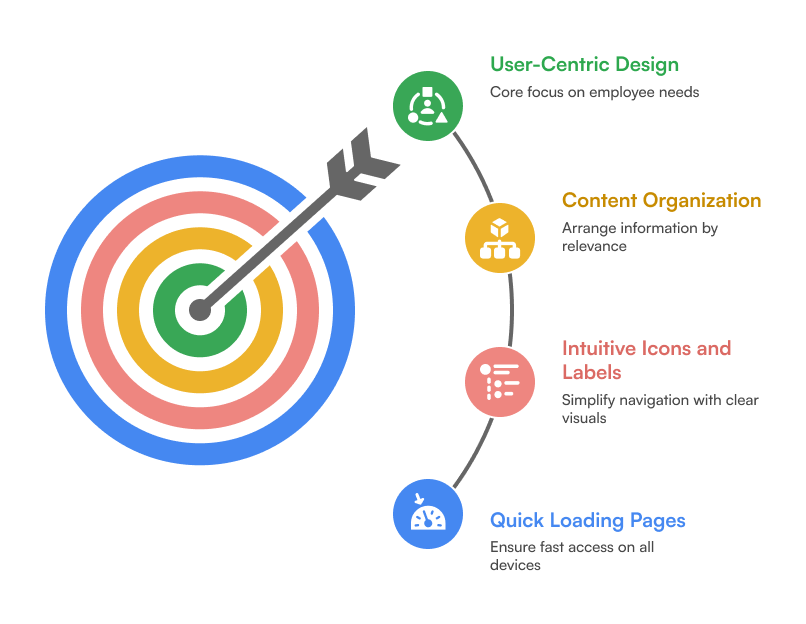
1. Focus on User-Centric Design
Your homepage should cater to employees, not administrators. Conduct user interviews or surveys to understand what information they need daily. Ensure that:
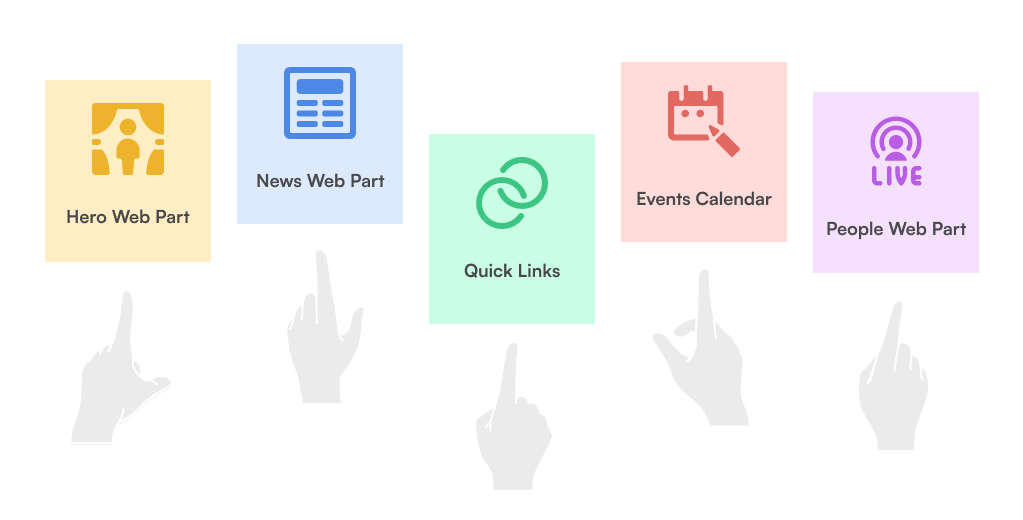
2. Prioritize Key Web Parts
Use Out-of-the-Box (OOTB) and custom SharePoint web parts to surface important information:
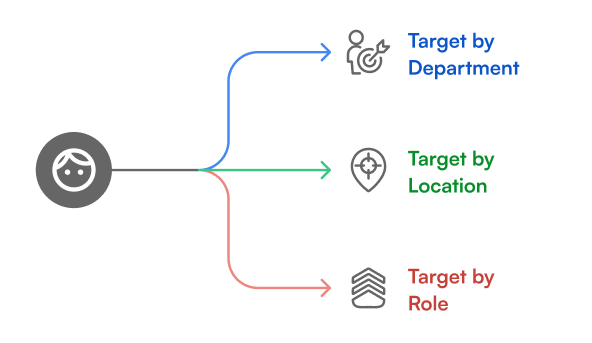
3. Personalize Content with Targeting
Leverage SharePoint’s audience targeting features to show content based on department, location, or role. This ensures employees only see what’s relevant to them, reducing clutter and improving relevance.
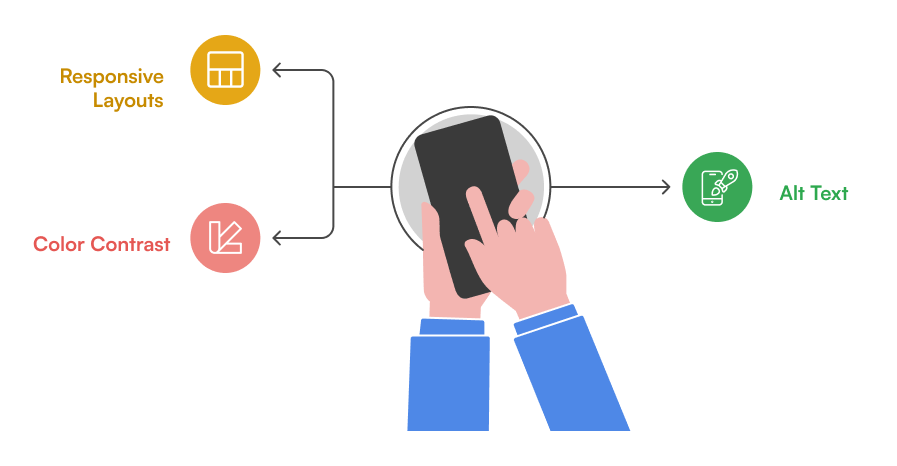
4. Design for Mobile & Accessibility
With hybrid work models, ensure your intranet is responsive and accessible:
5. Use Branding to Reinforce Culture
Your intranet should reflect your organization’s identity. Customize:

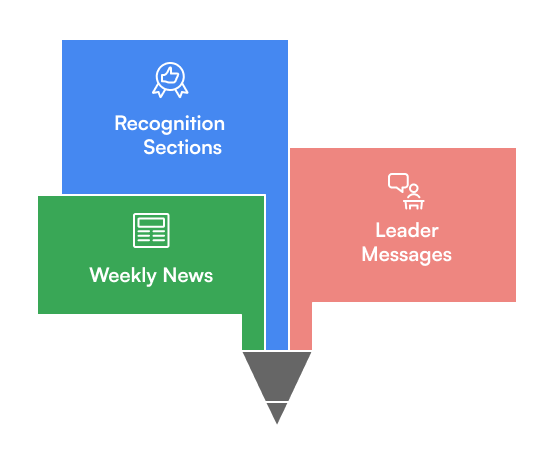
6. Include Dynamic, Fresh Content
7. Integrate Microsoft 365 Tools
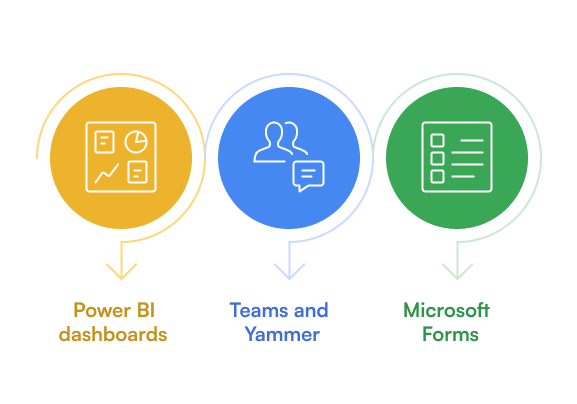
Connect your homepage with tools your teams already use:
8. Optimize Navigation
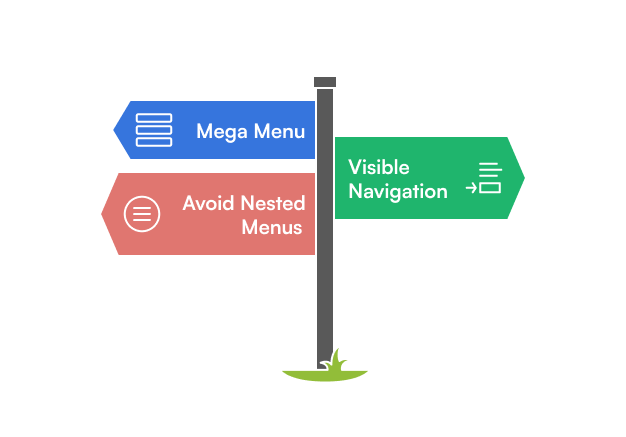
Good navigation helps employees find what they need fast:
9. Test and Iterate
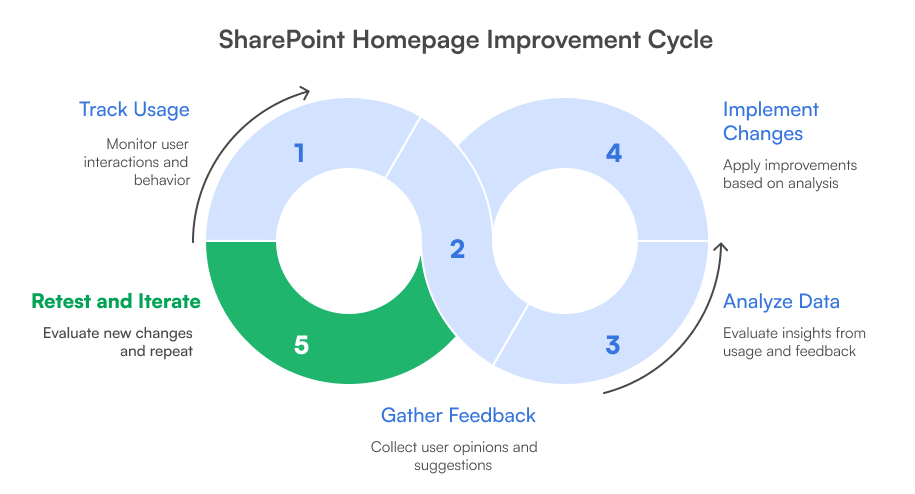
Don’t treat your homepage as a one-time project. Use analytics tools to track usage and behavior and gather feedback regularly to keep improving the experience.
10. Get Professional Support
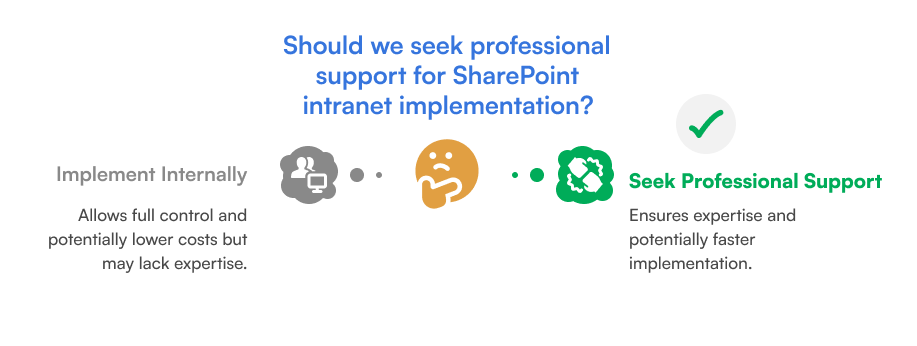
If you’re unsure how to implement these best practices, consider working with SharePoint Designs. Our team specializes in building intuitive, brand-aligned SharePoint intranets that improve engagement and productivity from day one.


Comments
Post a Comment